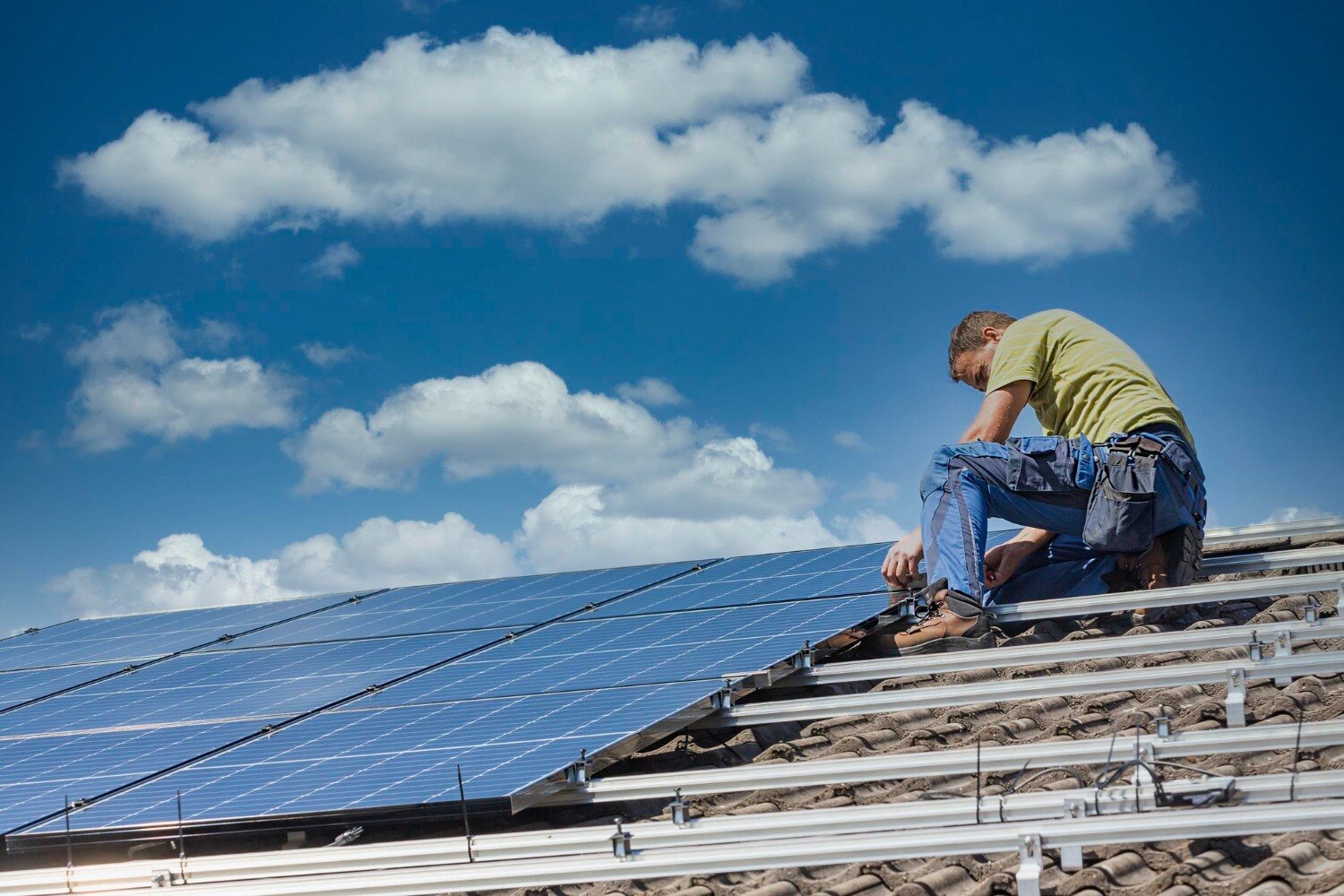
A domestic rooftop solar subsidy can remain stuck even when the panels are generating power. The delay usually belongs to one unresolved stage—identity matching, DISCOM approval, inspection, meter processing, commissioning or bank validation. By tracing the application stage and preserving the right records, you can identify the responsible party and take a specific next step.
Key takeaways
- Match every name, consumer number and bank detail before submission.
- Check whether the delay sits with the portal, DISCOM, vendor or bank.
- Save application IDs, screenshots, inspection records and payment acknowledgements.
- Escalate with a dated evidence packet instead of a general complaint.
The application is a chain, not a single payment request
A working rooftop system does not trigger payment by itself. A solar subsidy application delay on a domestic rooftop occurs when one link remains incomplete or cannot be matched to the applicant, electricity connection, vendor and bank account.
- Register on the PM Surya Ghar portal using the correct consumer number and mobile number.
- Obtain DISCOM technical-feasibility approval before installation.
- Select an empanelled vendor and complete the approved installation.
- Submit installation details, photographs and required ownership or roof-use documents.
- Complete DISCOM inspection, net-metering or meter-related processing, and commissioning.
- Enter bank details that pass validation, then wait for the subsidy release.
Installing first is a common domestic rooftop solar subsidy problem. Even if the panels produce electricity, the system can remain ineligible when the vendor, installation date or commissioning record cannot be linked to the prescribed workflow.
A mismatched Aadhaar or mobile number, incorrect DISCOM consumer number, incomplete electricity-bill information, missing ownership proof or inactive bank account can stop the chain after installation.
The subsidy is also not an automatic discount from every quotation: you normally pay or finance the system first, then receive central financial assistance after verification and payment conditions are met. Do not treat a request for an unexplained fee or your login credentials as an official requirement.
Check every name, number and document before you submit
Before submitting, match every entry to the latest electricity bill and the applicant’s identity records. A domestic rooftop solar subsidy problem often begins with an incorrect consumer number, Aadhaar or mobile-number mismatch, incomplete bill details, or installation completed before portal and DISCOM approval.
Prepare these records:
- Latest electricity bill showing the consumer name, address, sanctioned load and consumer number
- Aadhaar and mobile-number details exactly as requested on the PM Surya Ghar portal
- Bank-account proof and cancelled cheque, with the account holder’s name matching the application
- Bank verification or mandate confirmation, with an active account that accepts subsidy credit
- Property ownership proof or written authority to use the roof
- DISCOM feasibility approval, application ID and selected empanelled vendor’s details
- Installation invoice, commissioning report, installation photographs and meter or net-meter details when requested
Check the common mismatch before you press submit.
| Issue | What to compare | Likely result |
|---|---|---|
| Consumer identity | Bill name, Aadhaar name and portal applicant name | Return for correction |
| Electricity connection | Consumer number, address and DISCOM name | Wrong application route or rejection |
| Bank payment | Account name, number, IFSC and cancelled cheque | Payment failure |
| Roof authority | Owner’s proof or signed permission | Document query |
| Installation timing | Portal approval, feasibility approval and installation date | Possible subsidy ineligibility |
Save the submitted form, receipts and uploaded files. Do not pay a second time or surrender your login credentials because an intermediary claims it is required; verify requests through the PM Surya Ghar portal and your DISCOM.
Find the stage responsible for the delay
Match the last completed action with the party that controls it. A working rooftop system does not prove that the subsidy file has cleared inspection, commissioning, bank validation or payment.
| Stage | Signs of delay | What to verify |
|---|---|---|
| Portal | No application acknowledgement, upload error or unchanged status | Application ID, submitted documents and portal timestamps |
| Vendor | Installation is complete, but invoice, photographs or commissioning details are missing online | Vendor upload confirmation and empanelment details |
| DISCOM | Feasibility approval, meter work or commissioning remains pending | Consumer number, latest bill and written DISCOM decision |
| Inspection team | Inspection is assigned or requested, but no visit report appears | Inspection request date, appointment record and officer communication |
| Bank | The application is approved, but payment cannot be validated | Account holder name, IFSC, cancelled cheque and active account status |
| Central payment system | DISCOM and bank checks are complete, yet payment remains unpaid | Approval date, payment reference and bank-credit record |
Treat a solar subsidy status problem as a stage-identification exercise, not a general payment complaint. Ask the vendor or DISCOM for the exact pending action and its date. Keep net-metering separate: a meter or export-credit delay concerns your electricity connection, while central subsidy release concerns financial assistance.
If the portal shows “approved” and your bank is active, request the payment reference before assuming the vendor caused the delay.
Read the status and preserve proof of each step
“Submitted” means the portal has received the request, not that inspection or payment is complete. “Feasibility approved” records DISCOM permission; “installation completed” records vendor work. “Inspection pending” and “net meter or commissioning pending” identify unfinished field or meter formalities. “Subsidy approved” means payment was authorised; “payment failed,” “returned” or “rejected” requires correction.
1. Save the application ID, consumer number, registered mobile number and a screenshot showing the current status and date.
2. After each change, download the acknowledgement, DISCOM approval, inspection report, commissioning or net-meter document, and any rejection message. Keep the original email or SMS.
3. Match the installation record with installation photographs, invoice, commissioning report, meter number and vendor name. A working system does not prove that the prescribed workflow was followed.
4. Check the bank-account holder name, account number, IFSC and verification result against the application. An inactive account or name mismatch can stop an approved payment without any DISCOM fault.
5. Record every call and visit with the date, office or person contacted, promised action and reference number. Check the PM Surya Ghar portal and local DISCOM directly; do not surrender login credentials or pay an unexplained second fee.
This evidence trail exposes a solar subsidy status problem: a portal hold, vendor omission, inspection delay, bank failure or payment-stage delay leaves different records. Preserve them until the subsidy appears in your bank statement.
Escalate with an evidence packet, not a general complaint
Give the complaint an evidence packet, not a message saying “release my subsidy.” Include the consumer number, PM Surya Ghar application ID, registered mobile number, vendor name, installation date, payment receipt, current portal status and a dated note of the last portal or MSEDCL action.
- Attach the latest electricity bill, DISCOM approval, invoice, commissioning report, meter details, installation photographs, bank-account proof or cancelled cheque, and screenshots showing the stalled status.
If inspection is not scheduled, ask MSEDCL, also known as Mahavitaran, for the inspection request’s reference number and the pending action in writing. If MSEDCL rejects the request, demand the specific rejection reason, correct the consumer number, ownership document or bank detail identified, and resubmit through the recorded channel.
Keep the rejection and resubmission acknowledgements together.
If the portal shows approval but no credit, compare the approved bank details with your account name, number and IFSC, then ask whether payment was sent, returned or held for validation.
Do not pay a second “processing” charge or surrender your login credentials without an official instruction visible on the PM Surya Ghar portal or confirmed by MSEDCL.
For solar subsidy application help in Nagpur, RDC INFOTECH can help you organise the vendor-side records, but you should retain direct portal access. Government solar subsidy assistance in Nagpur is trustworthy only when each escalation has a traceable ticket, date and response.
Related product
 | Solar Subsidy Solar Subsidy For Domestic Rooftop Solar System Subsidy available for domestic solar system. . View product → |
Frequently asked questions
Why does a working domestic rooftop system not trigger subsidy payment?
Payment follows a chain involving the applicant, electricity connection, vendor, documents, inspection and bank account. One incomplete or mismatched link can delay release.
What should I check before submitting a solar subsidy application?
Check the applicant name, electricity consumer number, bank account details, identity documents, installation records and vendor information for exact matches.
How can I find which stage is causing my solar subsidy application delay?
Read the portal status, contact the responsible vendor or DISCOM, and compare the application ID with inspection, commissioning and payment records.
What evidence should I include when escalating a solar subsidy status problem?
Include the application ID, consumer number, dated screenshots, submitted documents, inspection details, vendor correspondence and bank payment records.
Keywords